THE PLATFORM

A real workspace for an operational AI team.

See the screens your team uses to coordinate agents, inspect infrastructure, assemble reports and resolve incidents.

Book a platform walkthrough
Live product viewAgent workspace
CloudX AIOps agent command center
01 · AGENT COMMAND CENTER

Specialised agents, visible in one workspace.

Operators can see which agents are ready, what each one is designed to do and where work is progressing. The workspace turns a collection of automations into an understandable operating team.

  • Firewall audit and compliance
  • Troubleshooting and diagnostics
  • Backup, alerting and reporting
Live product viewAGENT COMMAND CENTER
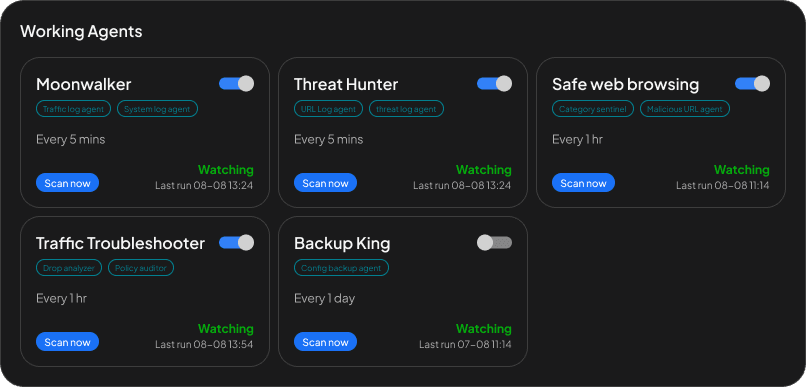
Specialised agents, visible in one workspace.
02 · MULTI-VENDOR INVENTORY

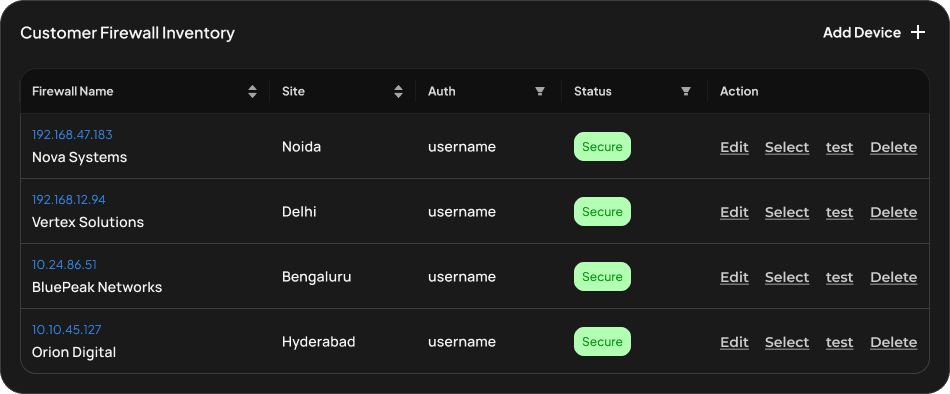
Every connected firewall in a single operational view.

See vendor, version, model, serial information, connectivity and health without moving between device consoles. The same context is available to the agent during investigation.

  • Connected device status
  • Vendor and model context
  • Actionable asset health
Live product viewMULTI-VENDOR INVENTORY
Every connected firewall in a single operational view.
03 · REPORTING WORKSPACE

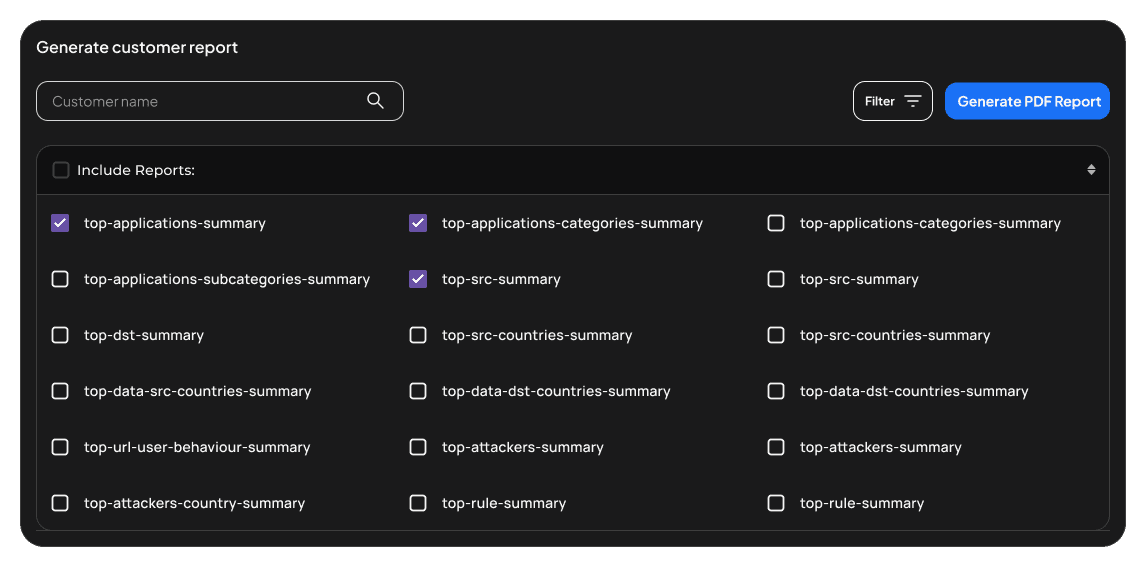
Build evidence-rich reports from current infrastructure data.

Choose the report type, add the fields that matter and let the agent assemble a consistent operational or executive view from live device data.

  • Custom report sections
  • Reusable report formats
  • PDF-ready operational evidence
Live product viewREPORTING WORKSPACE
Build evidence-rich reports from current infrastructure data.
04 · INCIDENT OPERATIONS

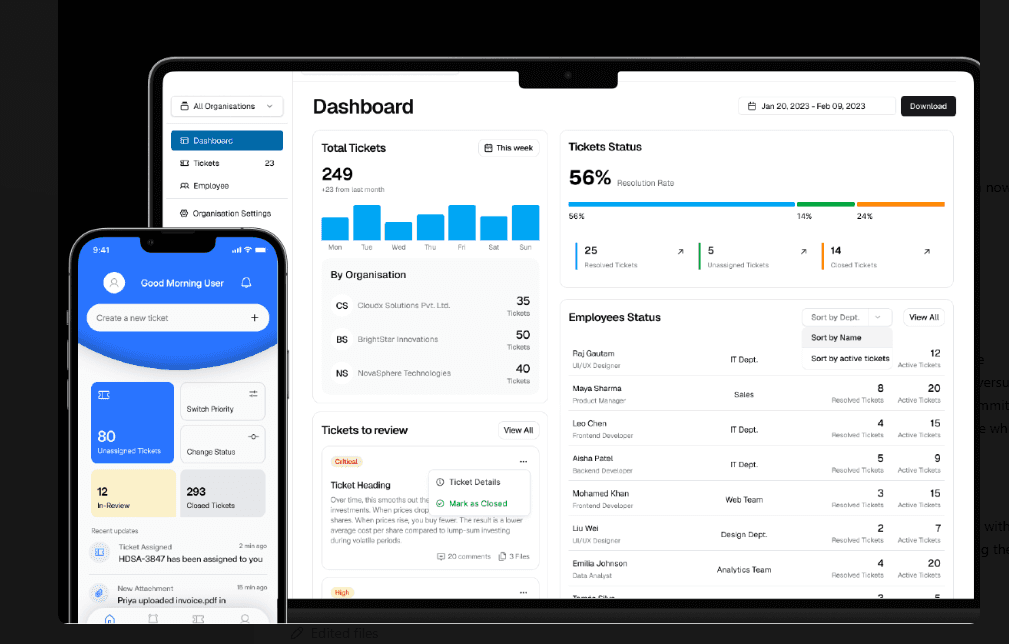
Track response on desktop and mobile.

Ticket status, ownership, priority and recent activity stay accessible to the people resolving the issue—whether they are in the operations room or on the move.

  • Organisation-wide dashboard
  • Assignment and review queues
  • Mobile incident updates
Live product viewINCIDENT OPERATIONS
Track response on desktop and mobile.
NEXT

See what the agent can do.

Explore capabilities